Sketch to Image
Tech-pack in. Photoreal out.
See the line on a model. Before you cut it.
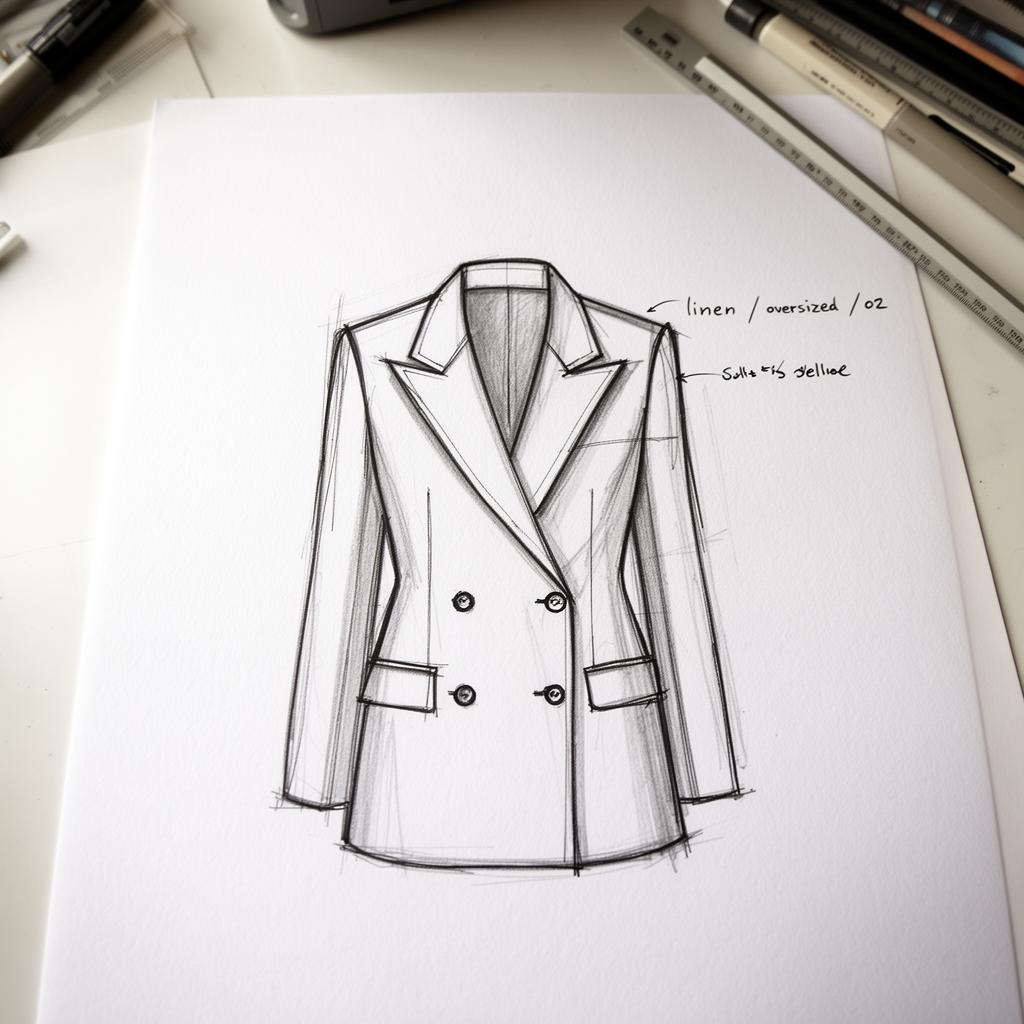
SKETCH

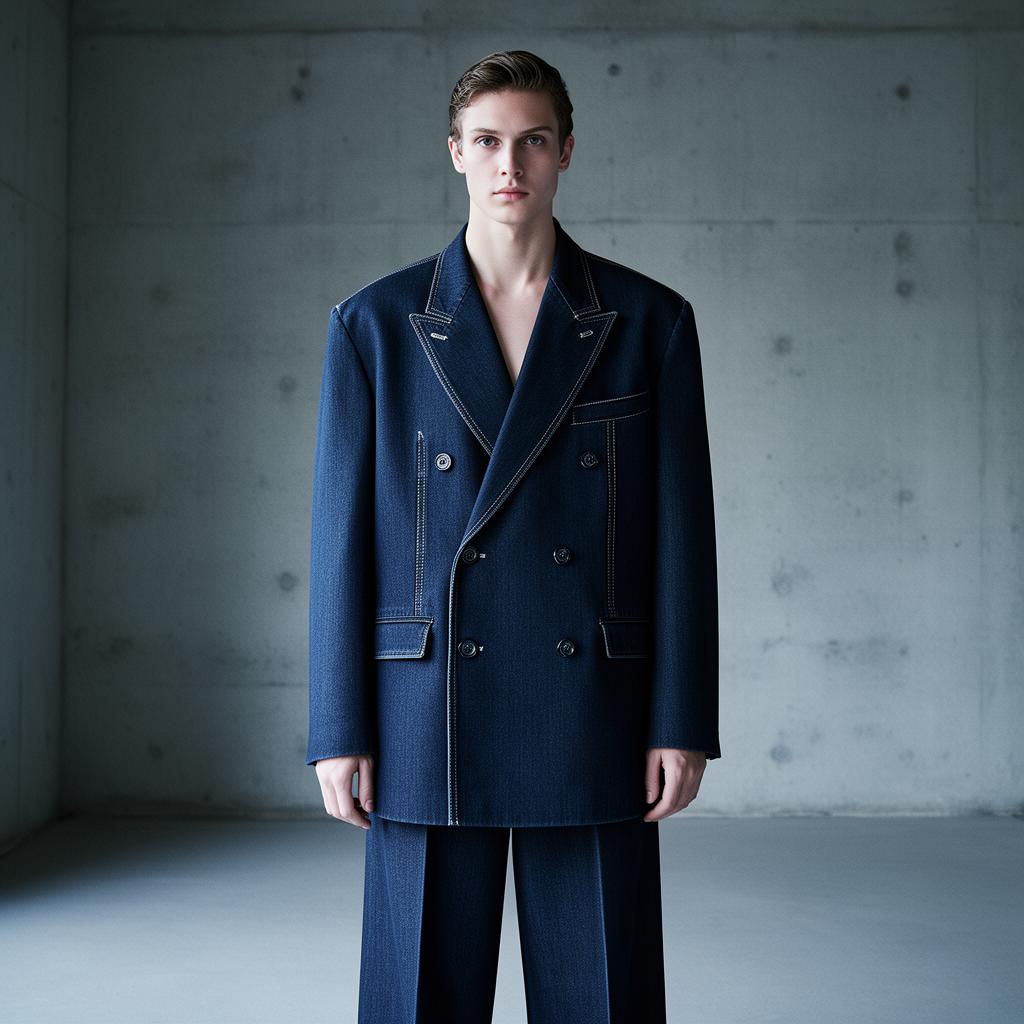
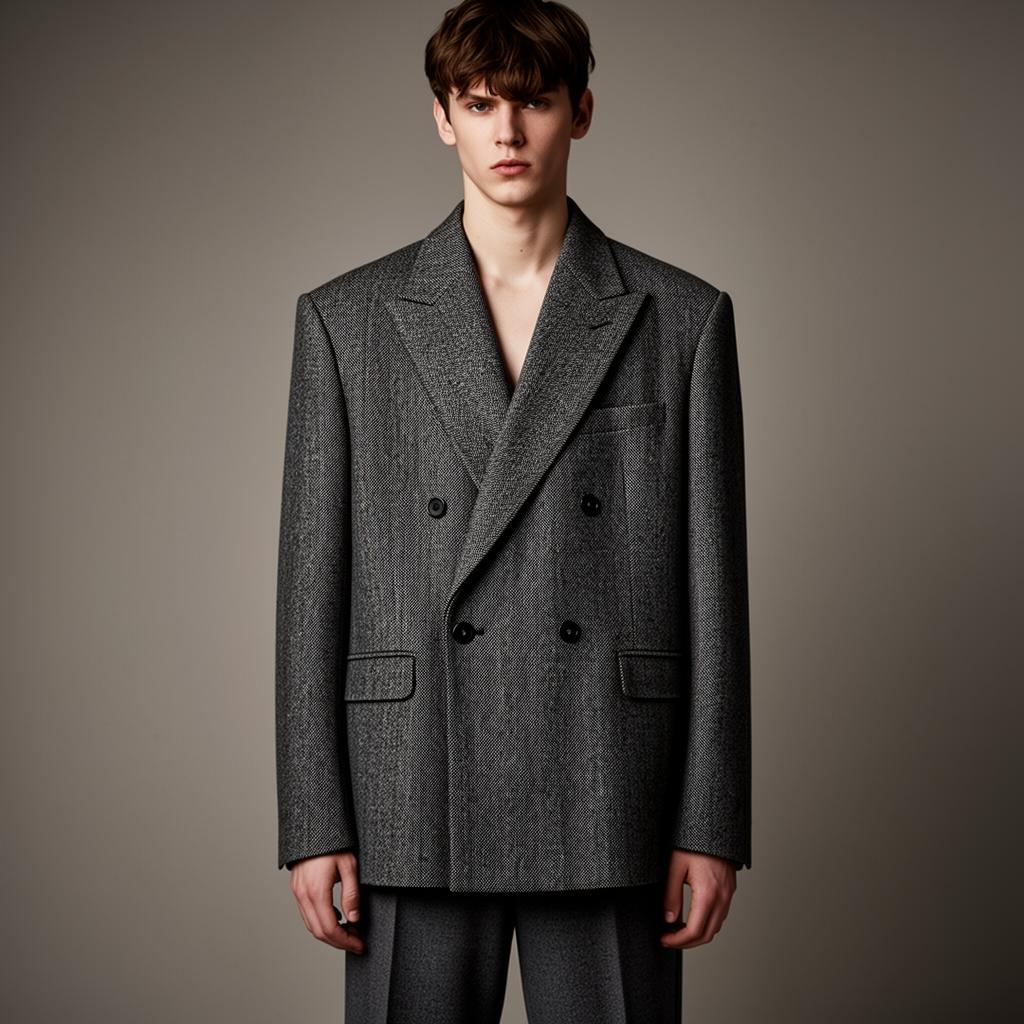
How Sketch to Image works.
YOUR SKETCH
01
Drop your sketch.
Hand-drawn, tech-pack, CAD — we read the silhouette.
LINEN
DENIM
WOOL
02
Lock material & color.
Linen, denim, wool. The render matches the spec.

03
Render on a model.
Photoreal sample. Any scene. Any model in our roster.
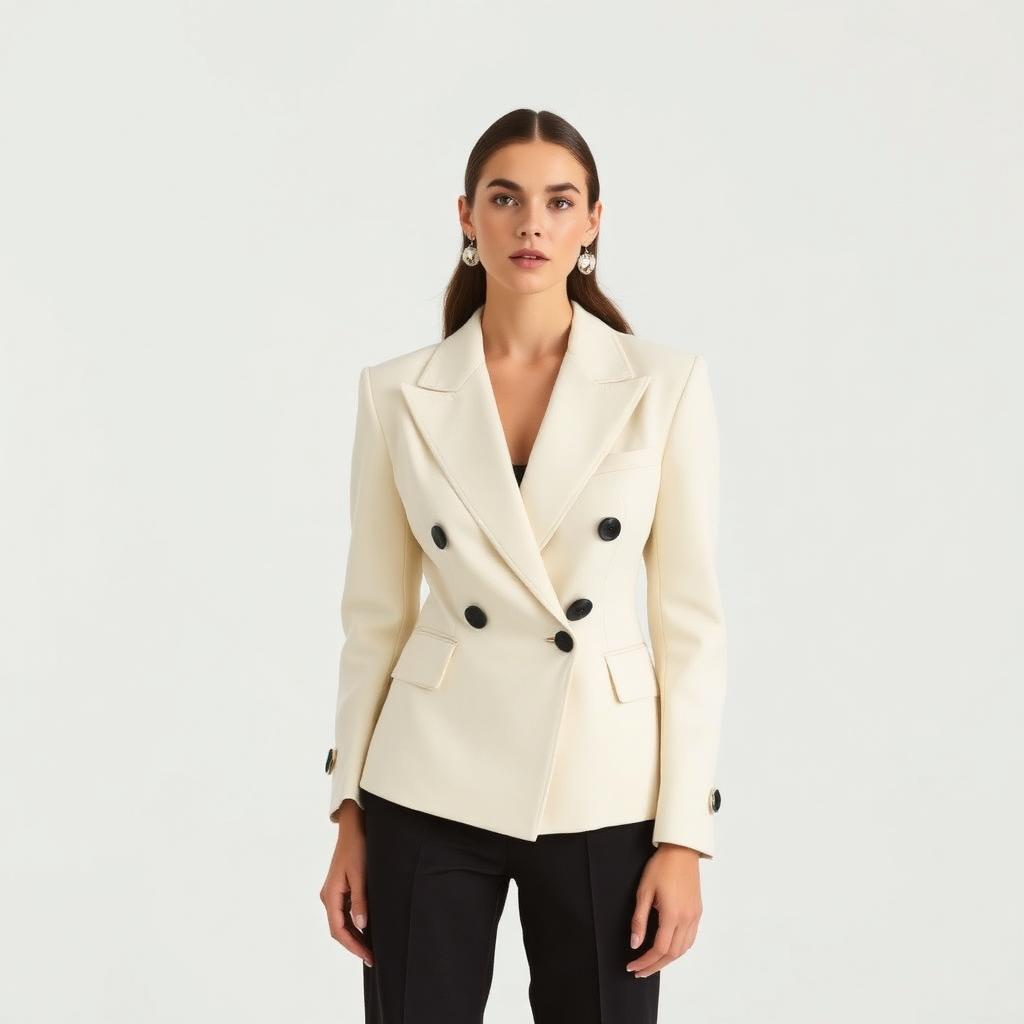
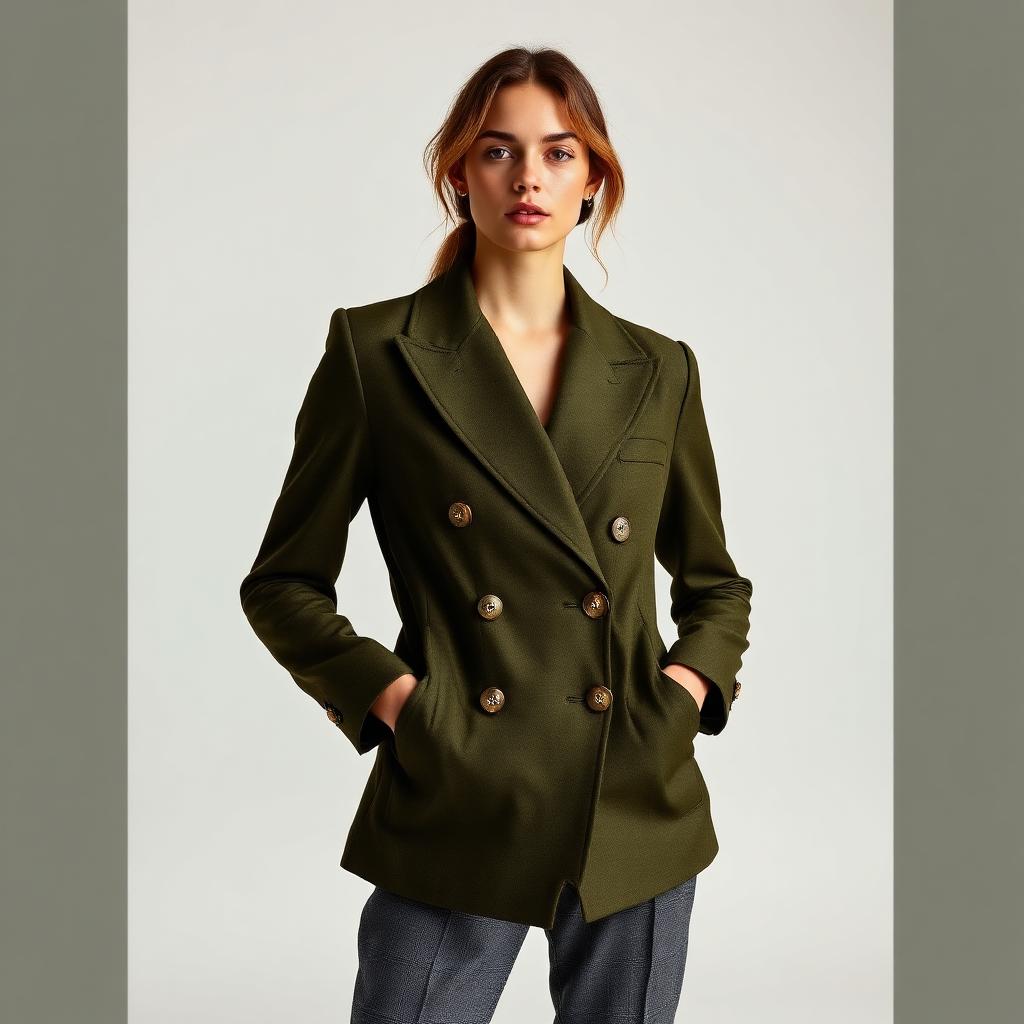
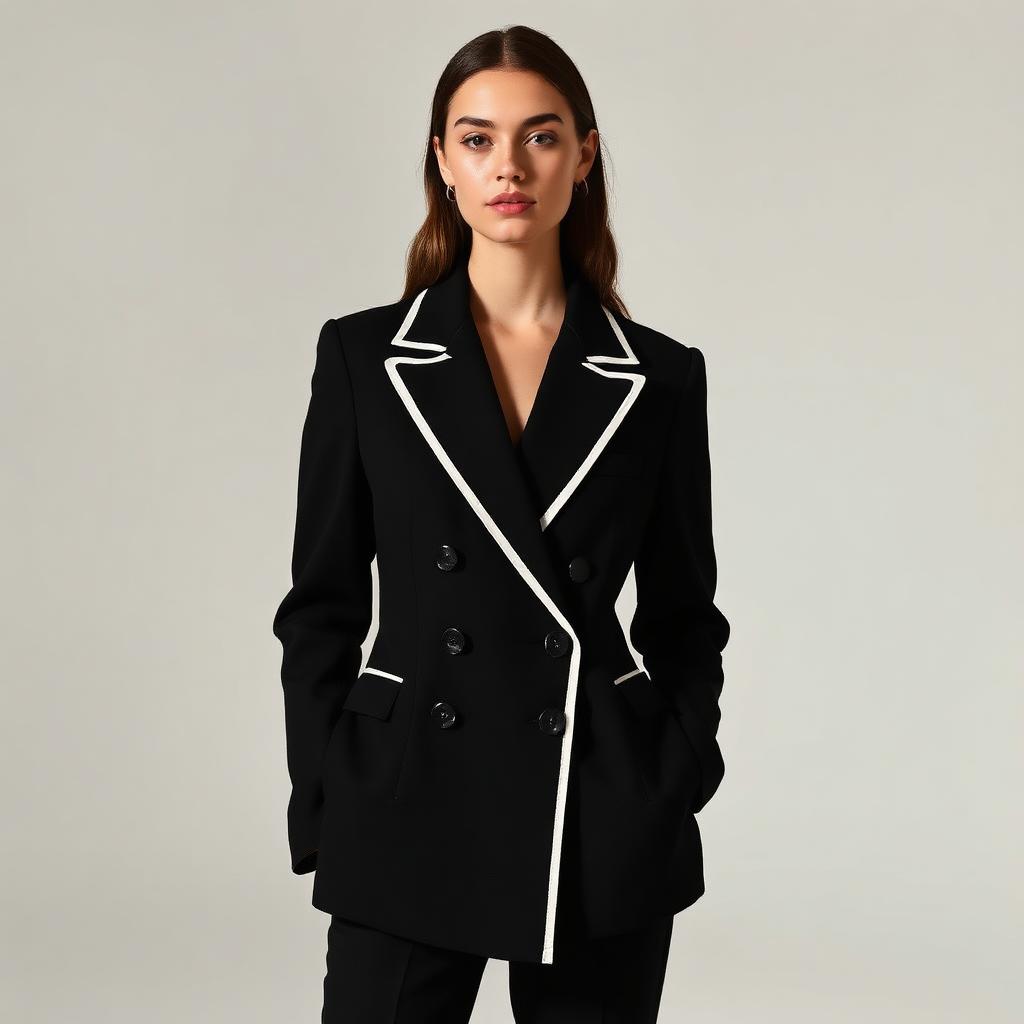

4 OF 12 VARIANTS
04
Kill bad ideas earlier.
Test cuts, colors and trims. Before a single sample is sewn.
See the line.
Before you cut it.
FAQ